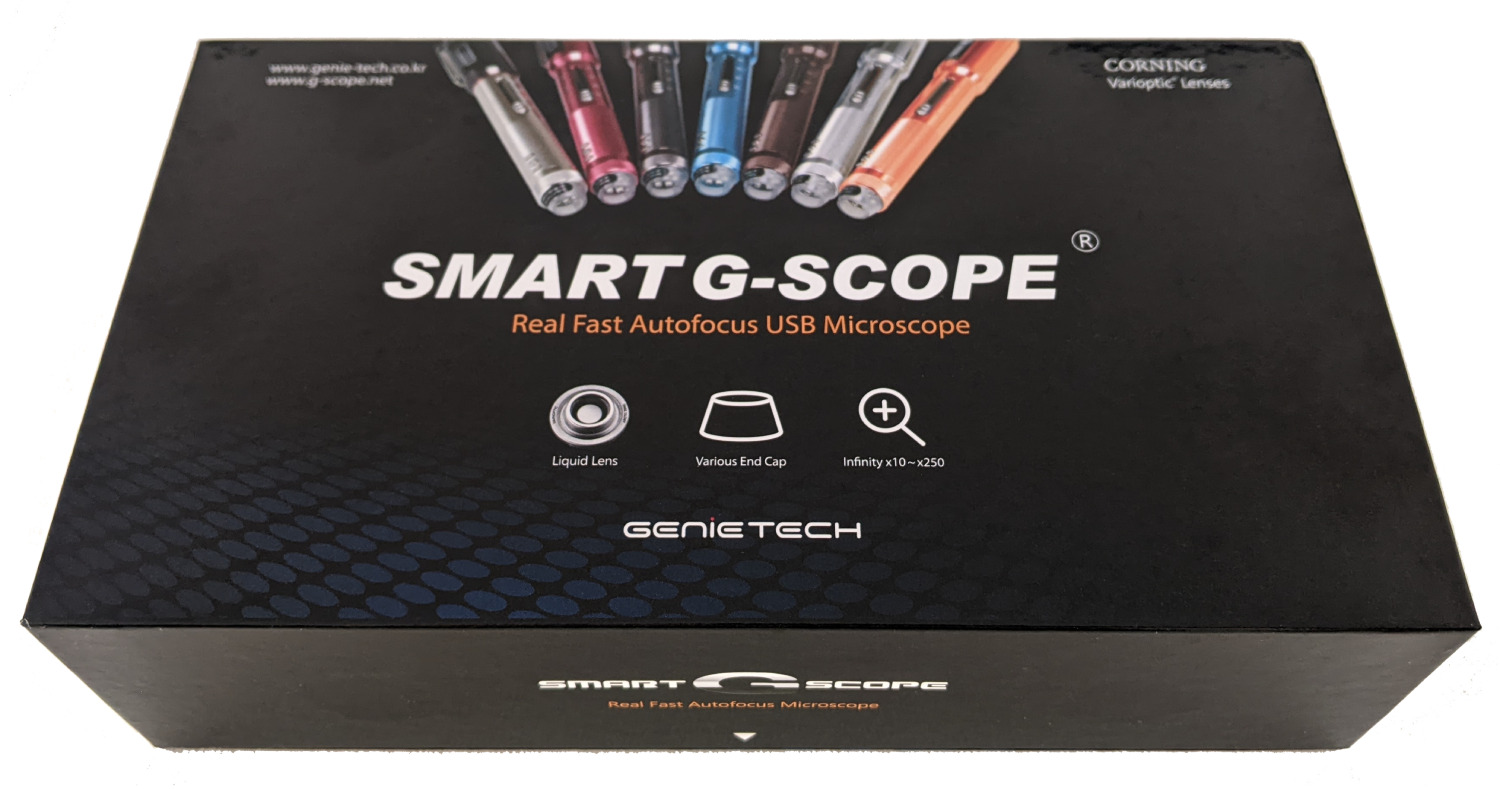
The professional USB microscope that focuses for you.
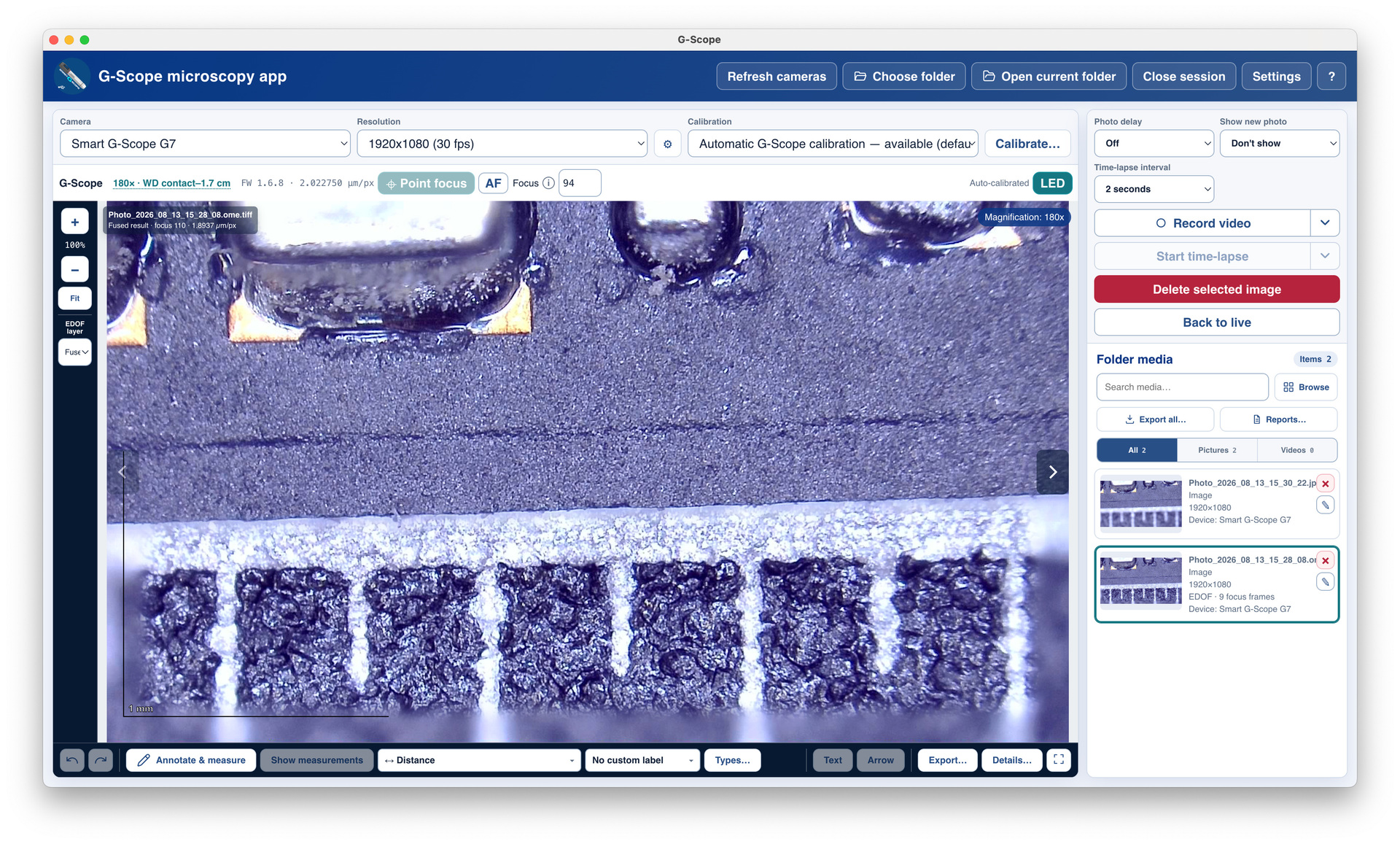
Smart G-Scope combines Corning® Varioptic® liquid-lens autofocus with G-Scope Desktop. Click to focus, capture more depth, measure and create reports in one workflow.
Click-to-focus · Automatic EDOF · Pro software included
Pro software included
G-Scope Desktop Pro unlocks automatically while your Smart G-Scope is connected. No extra license or subscription. Windows, macOS and Linux.
Ships from Spain · 2-year EU warranty
Click where you want it sharp.
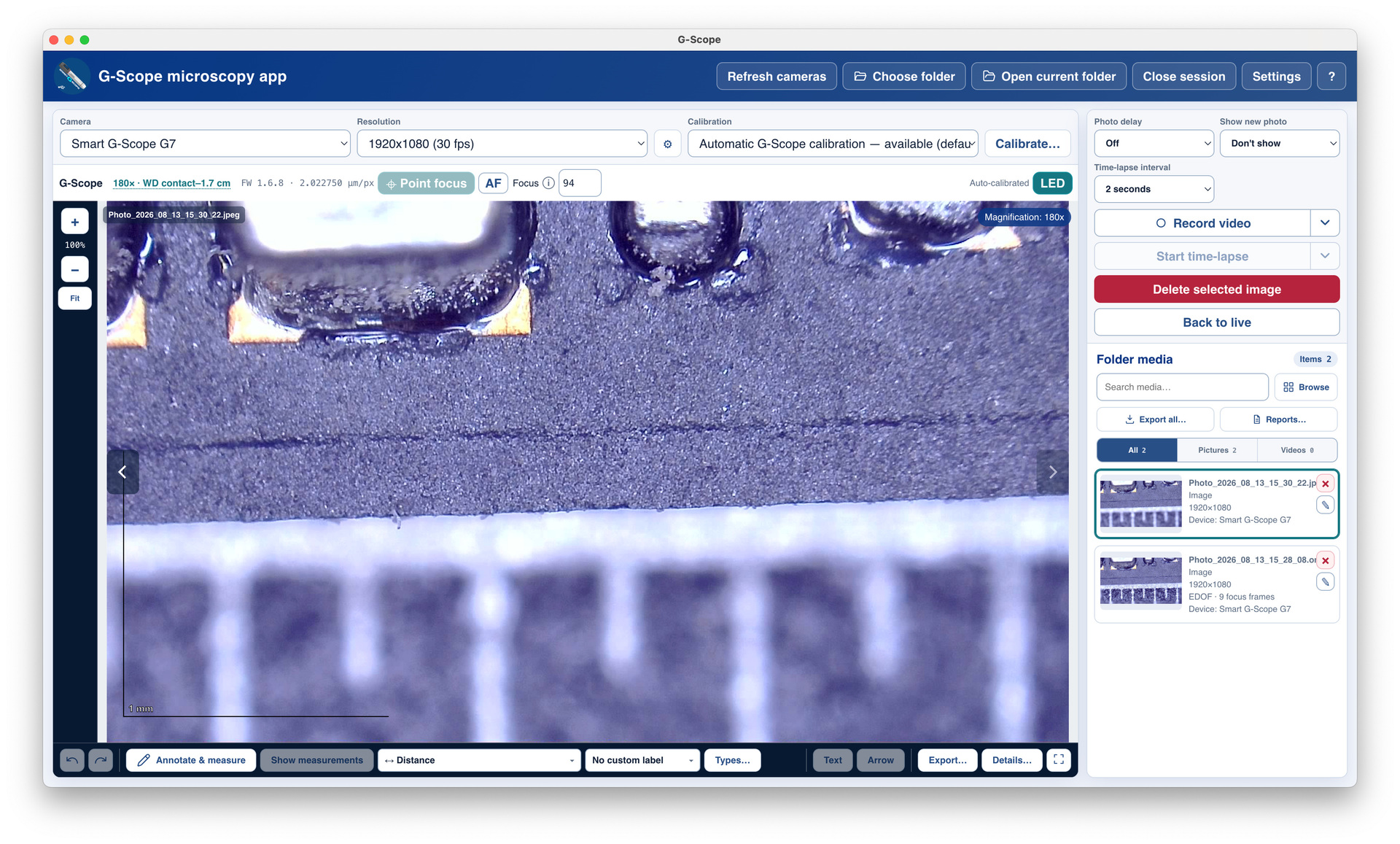
Enable Point focus and click a detail in the live image. The liquid lens adjusts focus without moving the microscope or turning a focus wheel.
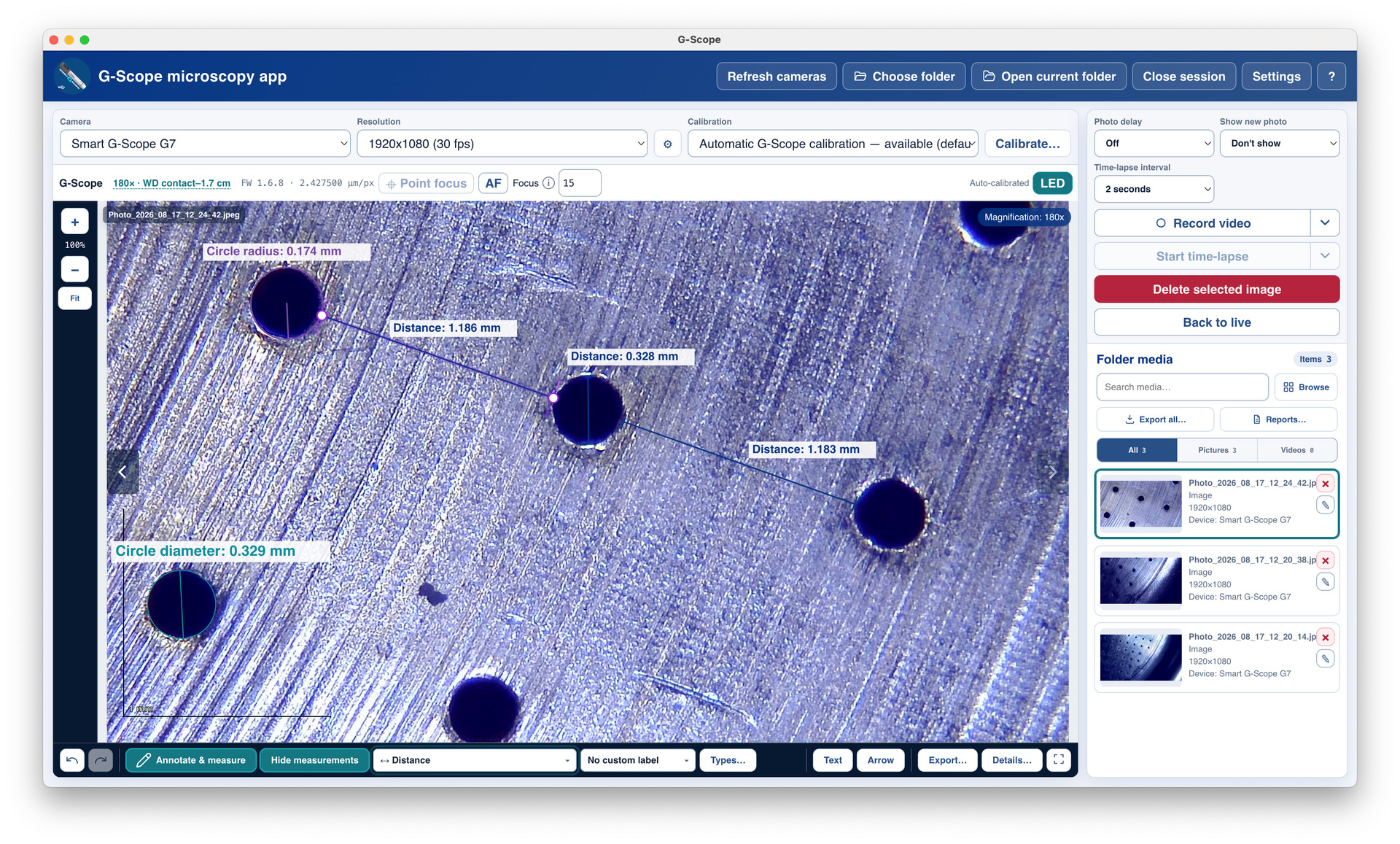
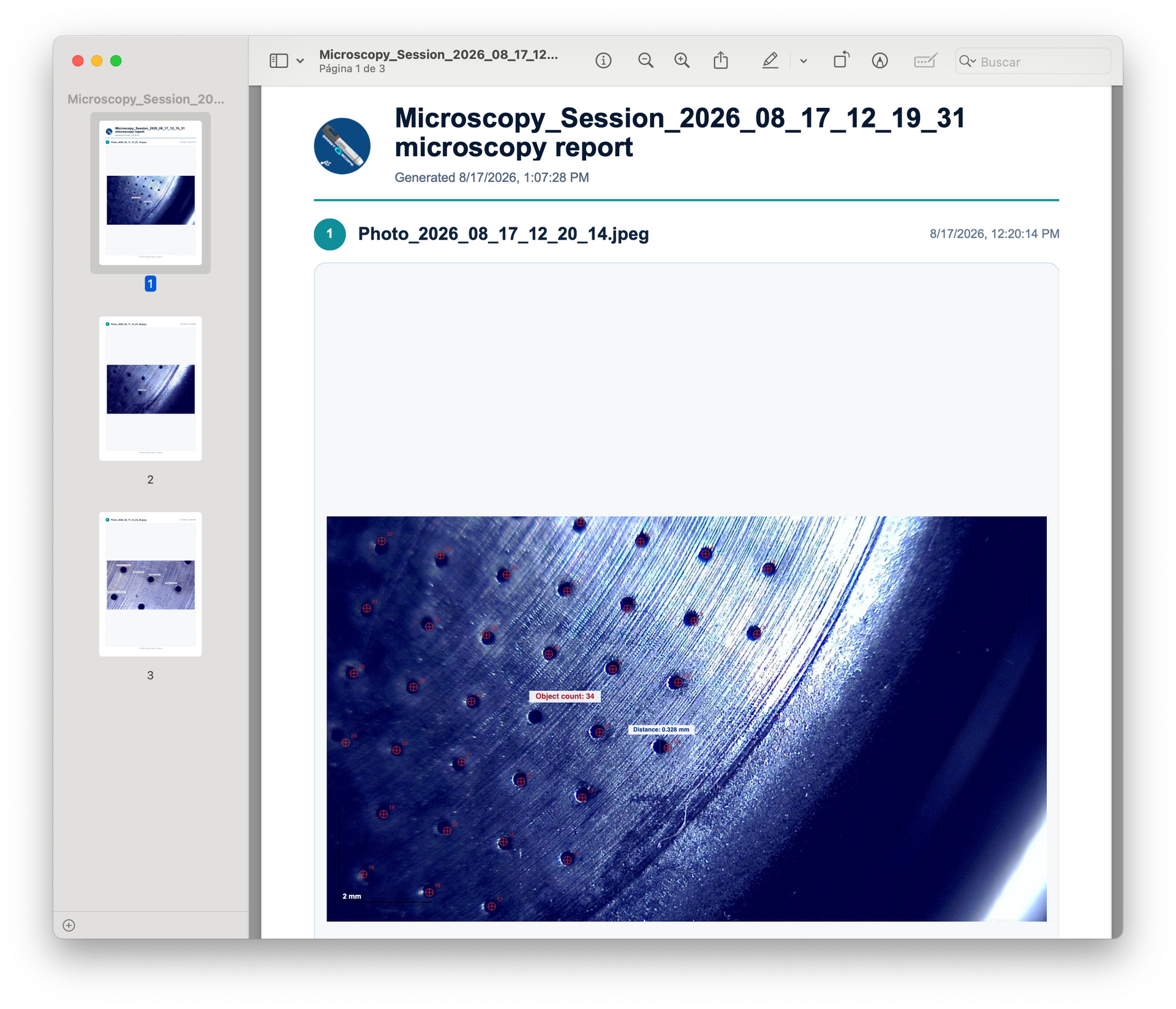
G-Scope Desktop reads the Smart G-Scope optical state and updates the image scale in supported calibrated modes. Measure distances and areas; use manual calibration outside the calibrated range.
Smart G-Scope microscope, USB-C cable with USB-A adapter, remote control, basic and 3pi end caps, carry box, quick manual and cleaning cloth. Download G-Scope Desktop; Pro unlocks while the microscope is connected.
Stand shown is optional and is not included in the standard package.
Choose an optical mode, position the microscope within its working range, then focus. The 40×, 100×, 180× and 250× labels describe the maximum magnification of each mode, not a fixed magnification at every distance.
Working distance is measured from the tip of the end cap to the object, not from the microscope body or the stand.
40× · 3 cm to infinity
The lowest magnification mode and the longest working range. Keep the end-cap tip at least 3 cm from the object.
100× · 1–4.5 cm
Inspect without touching the object. Keep the end-cap tip between 1 and 4.5 cm away.
180× · Contact to 1.7 cm
For close inspection: place the end cap in contact with the object or up to 1.7 cm above it.
250× · Contact to 0.8 cm
The highest magnification mode: place the end cap in contact with the object or up to 0.8 cm above it.
Focusing range and automatic measurement are different. G-Scope Desktop checks whether the current focus is within the manufacturer-calibrated interval. Use the calibrated image scale for measurements; if automatic calibration is unavailable, use a correctly prepared manual calibration with digital zoom off.
Capillaroscopy uses a separate 250× capillary mode with the dedicated capillary end cap in contact with the sample. That end cap is not part of the standard package.
G-Scope Desktop Pro unlocks automatically while your Smart G-Scope is connected. No extra license or subscription. Windows, macOS and Linux.
Is the stand in the photos included?
Stand shown is optional and is not included in the standard package.
Does it work on Mac and Linux?
Yes. G-Scope Desktop provides point focus, EDOF, measurements and Pro tools for Smart G-Scope on Windows, macOS and Linux. Check the current system requirements before downloading. Android has a separate app.
Is calibration automatic in every situation?
G-Scope Desktop reads the Smart G-Scope optical state and updates the image scale in supported calibrated modes. Measure distances and areas; use manual calibration outside the calibrated range.
Will it suit my specimen?
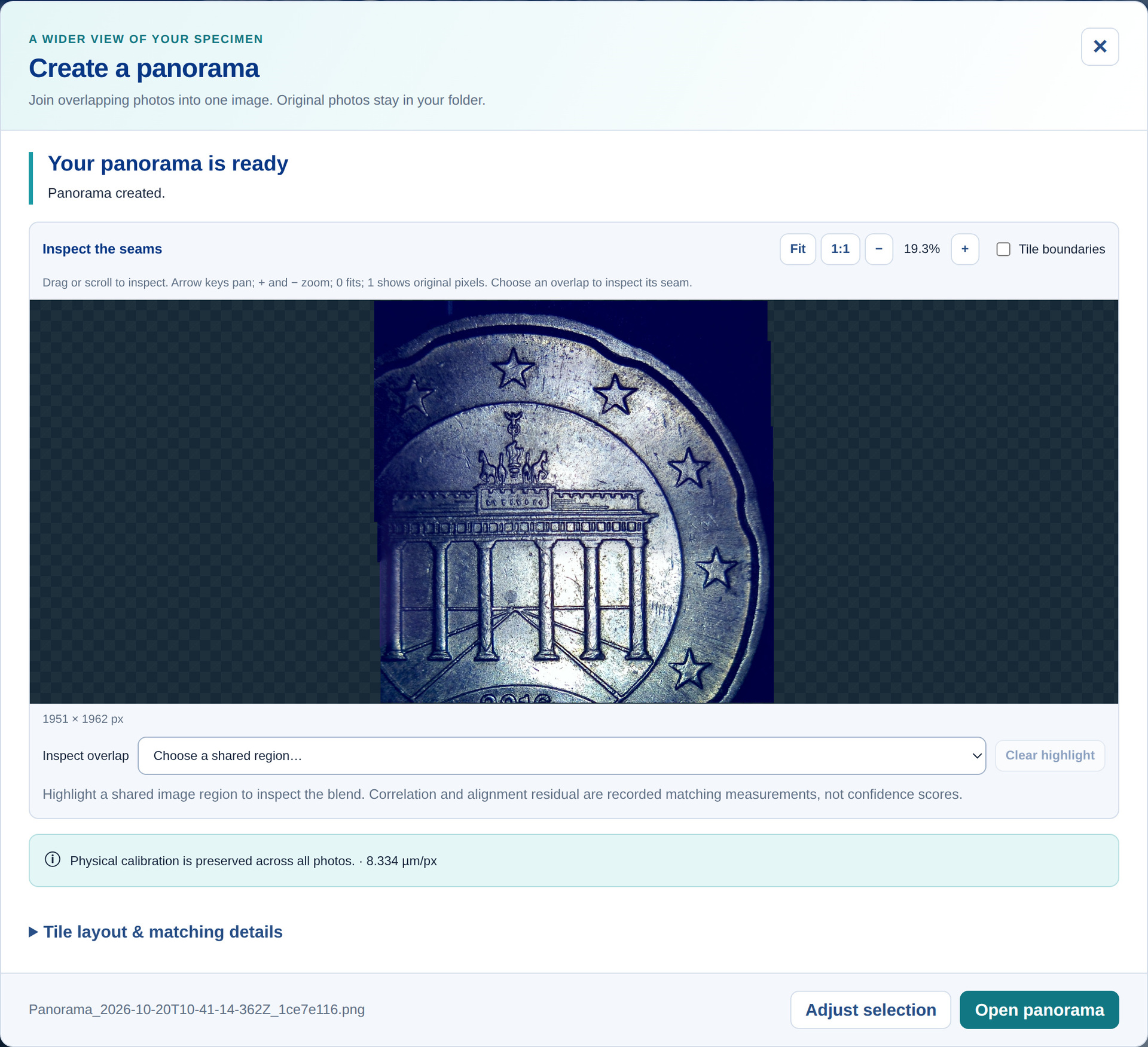
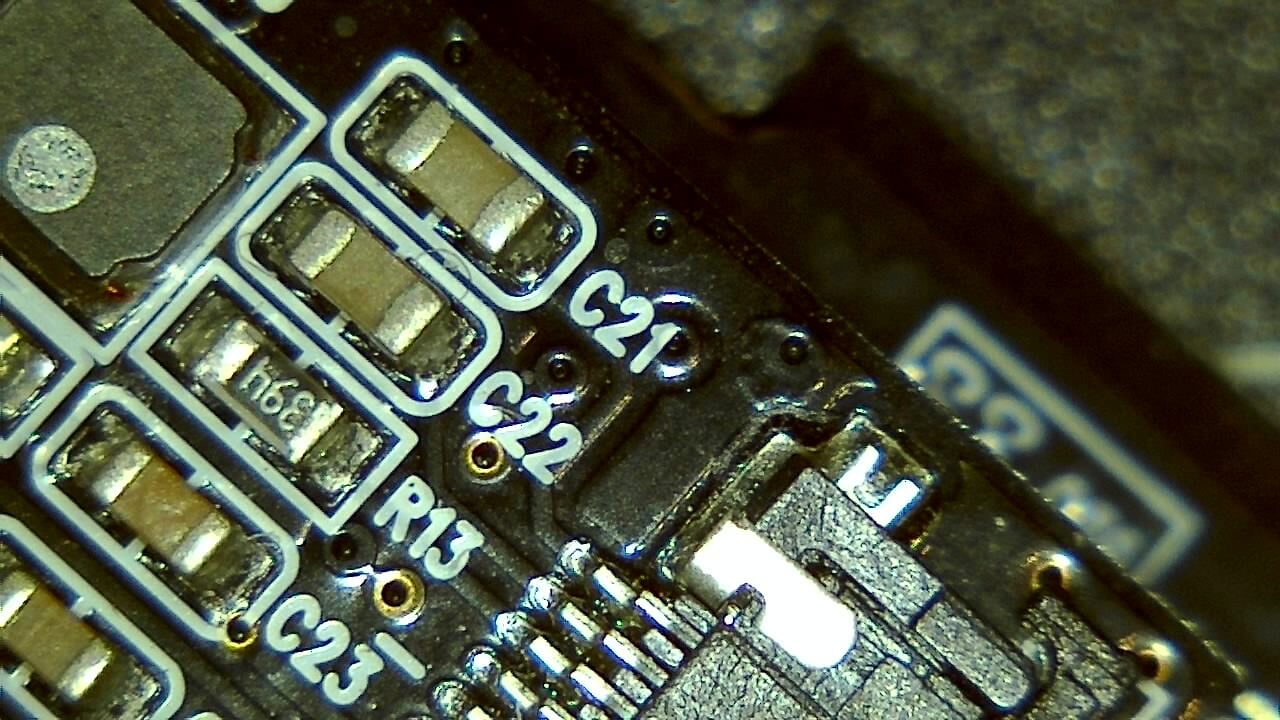
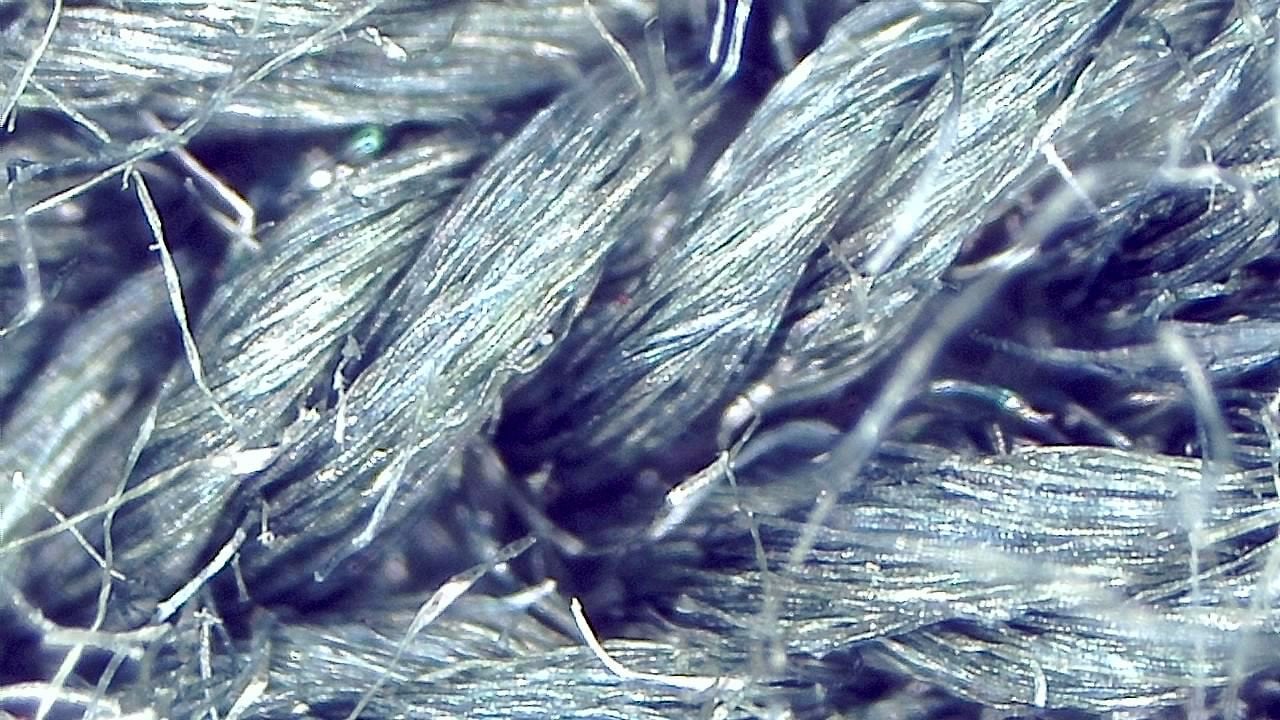
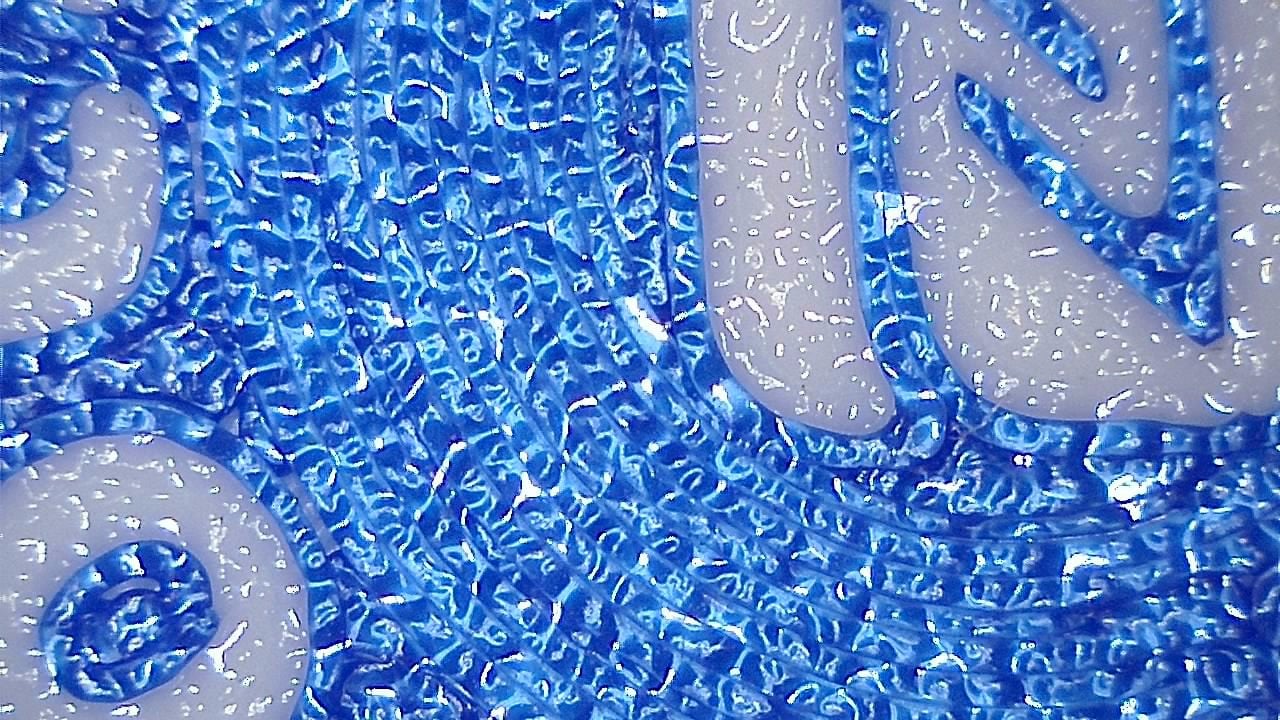
Use it for circuit boards, parts, textiles, 3D-printed surfaces and teaching. If you need to resolve a particular detail, request an evaluation with your sample before buying.
Choosing between Smart G-Scope and Dino-Lite?
Compare magnification modes, focusing, image resolution and EDOF to find the right microscope for your work.
A general-purpose microscope for inspection, education and industry; not a medical device. Nailfold capillaroscopy requires a dedicated package.
2 reviews
You may also like
5 stars: 1 (50%)
4 stars: 0 (0%)
3 stars: 1 (50%)
2 stars: 0 (0%)
1 star: 0 (0%)
R
Rocholl
Software for windows and android is not clearly indicated, the QR in the short guide leads to an AD and SPAM LIKE page, very unreliable. This is not expected on a package this price
Dear Ariel, thanks for letting us know about the QR problem, we will contact the manufacturer to fix that. The actual website to download software is this same webpage, https://g-scope.eu/ where you can easily download the latest software for any platform.
A
Armin Hassdenteufel
Works as described, much better than other devices. I will use it daily!